GOOGLE TV + WINDOWS
Your TV.
Your remote.
Help within reach.
Install Remote Ranger on your Google TV, then use the Windows app to view and control it with the familiar handset. Connect with the TV’s nine-digit code and approve sharing on the TV.
1. Get the TV app
For Google TV Streamer and Android TV. One APK includes both 32-bit and 64-bit ARM versions.
Download Google TV APK · 0.7.9 ↓Transfer the APK to your TV, install it, then open Remote Ranger and choose Share this TV.
2. Get the Windows remote
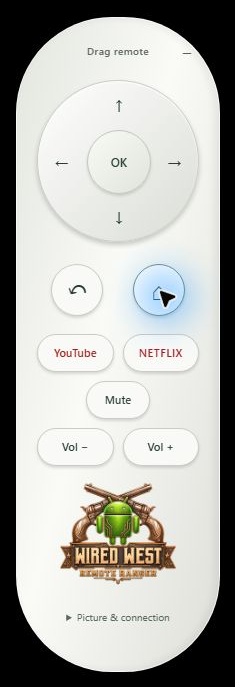
View the TV and use directions, OK, Home, Back, app shortcuts and supported volume controls.
Download Windows app · 0.1.9 ↓For Windows x64. Extract the entire ZIP and open Remote Ranger.exe. Keep the supporting files together. Installation notes →
Follow the setup guide →
Permissions, your private controller key and connecting with the TV’s code.
Test builds. Screen sharing needs approval on the TV; protected content may remain black. Either person can stop sharing.